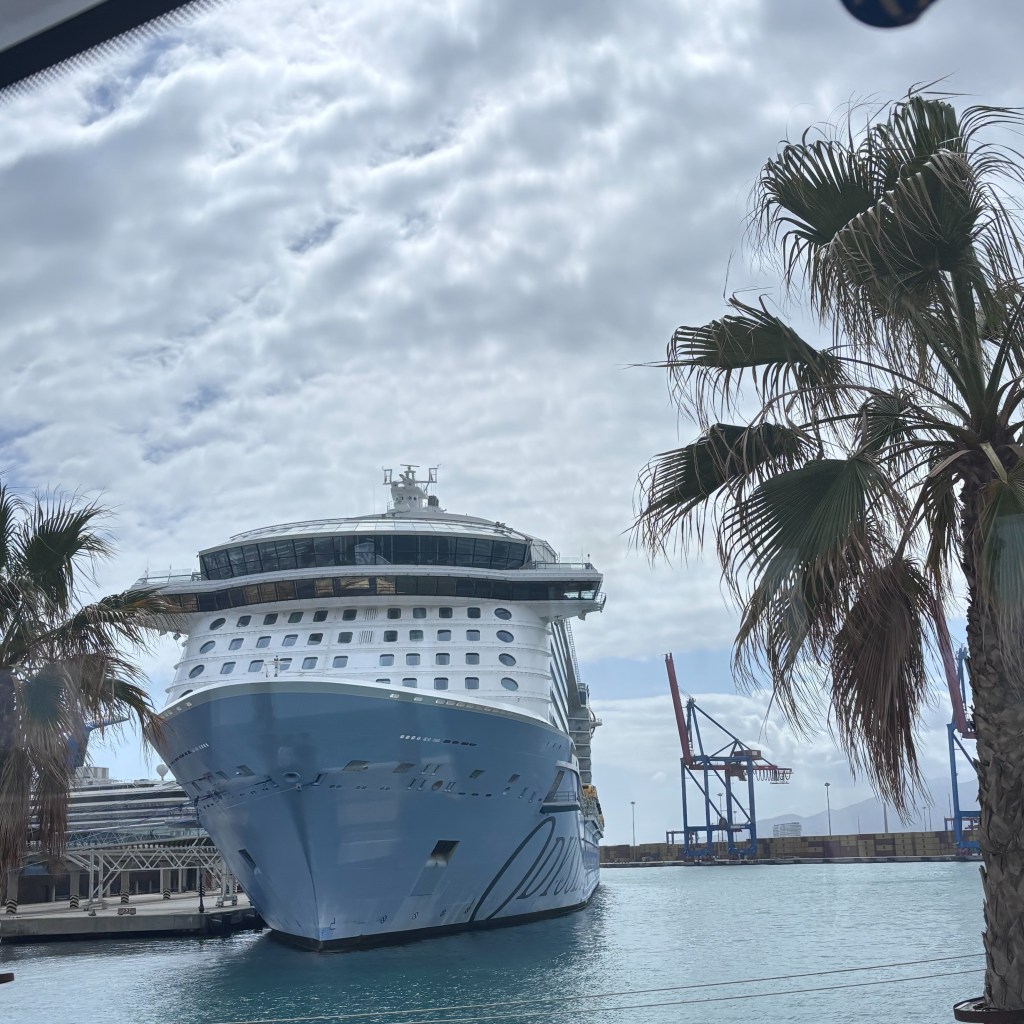
I love seeing an uptick in remote workers onboard cruises. A TransAtlantic cruise is a great option for remote workers. With a full week at sea, I really only had to take off one week but felt like I got two weeks of vacation!
Taking a 15-night cruise gave me a lot of time to figure out some tips for working onboard, specifically on Royal Caribbean’s Odyssey of the Seas. So, here are some things I learned that might help make your next workation better.
Where to Work Remote on Odyssey of the Seas
First things first — figuring out where to actually work when you are onboard. If this is your first time working remote from a cruise ship, you probably have some hesitancy, which is completely understandable. Let’s break it down depending on what type of work you are doing. These tips are specifically for a Quantum Class ship, like Odyssey of the Seas, but the lessons can still apply on any cruise.
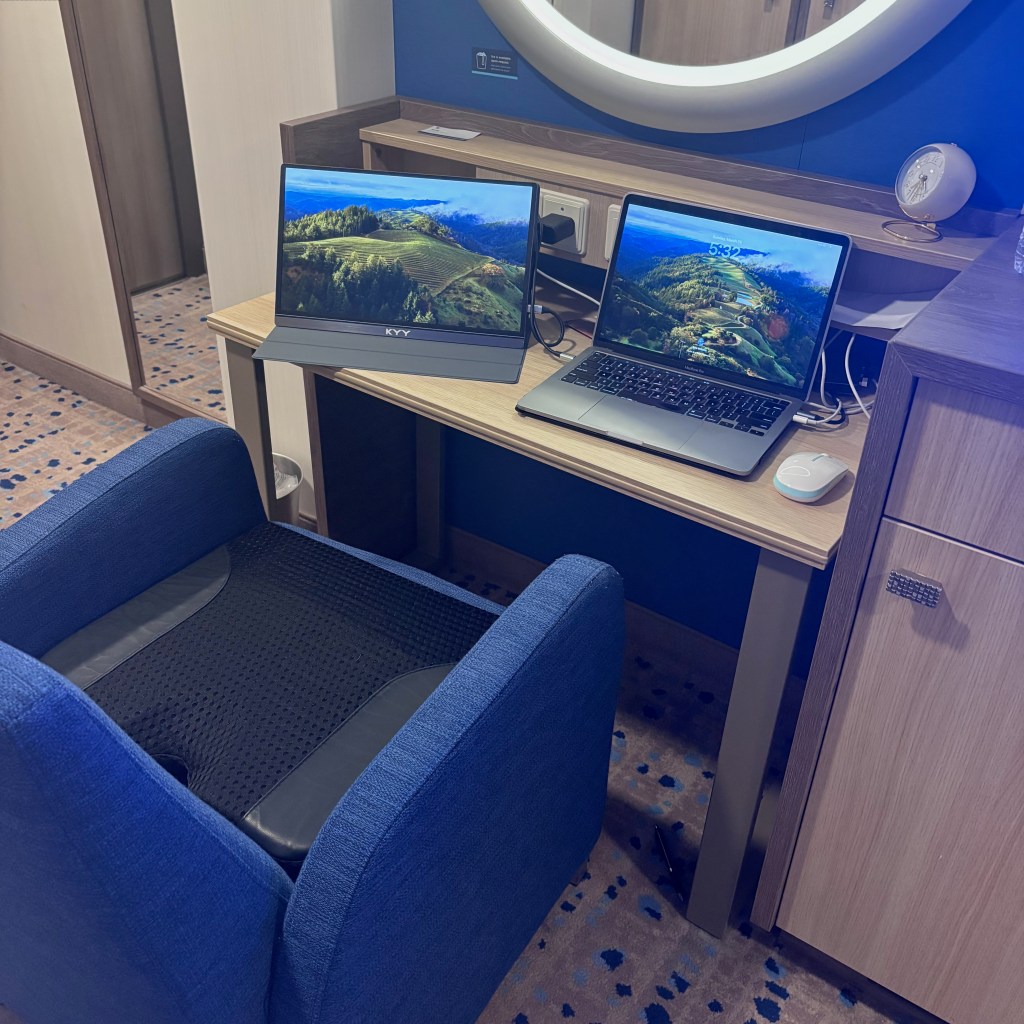
Best place to have calls – Your cabin.
There’s no getting around it. I attempted to do a group call from on deck and then from a lounge but the background noise was just too much, even if it felt quiet at first. Your cabin is the #1 spot to make sure you are not interrupted and that your conversation is kept private. I had an interior cabin, and the ship Wi-Fi worked great during Zoom calls, even Zoom calls with multiple people.
Best place for mindless work – Two70
You know those tasks that need to get done but take about 2% brain power? Those tasks are great to do in a spot like Two70, especially if you’re hungry. You can get something to eat from Cafe Two70, then find yourself a nice spot in the corner of the venue. Check your app because there are random things going on throughout the day, like trivia and World’s Sexiest Man competitions. If you are OK with distractions, then these shouldn’t bother you. I did some work while half listening to a Game of Thrones trivia event, and it was sort of like listening to a podcast that I could tune in and out of.
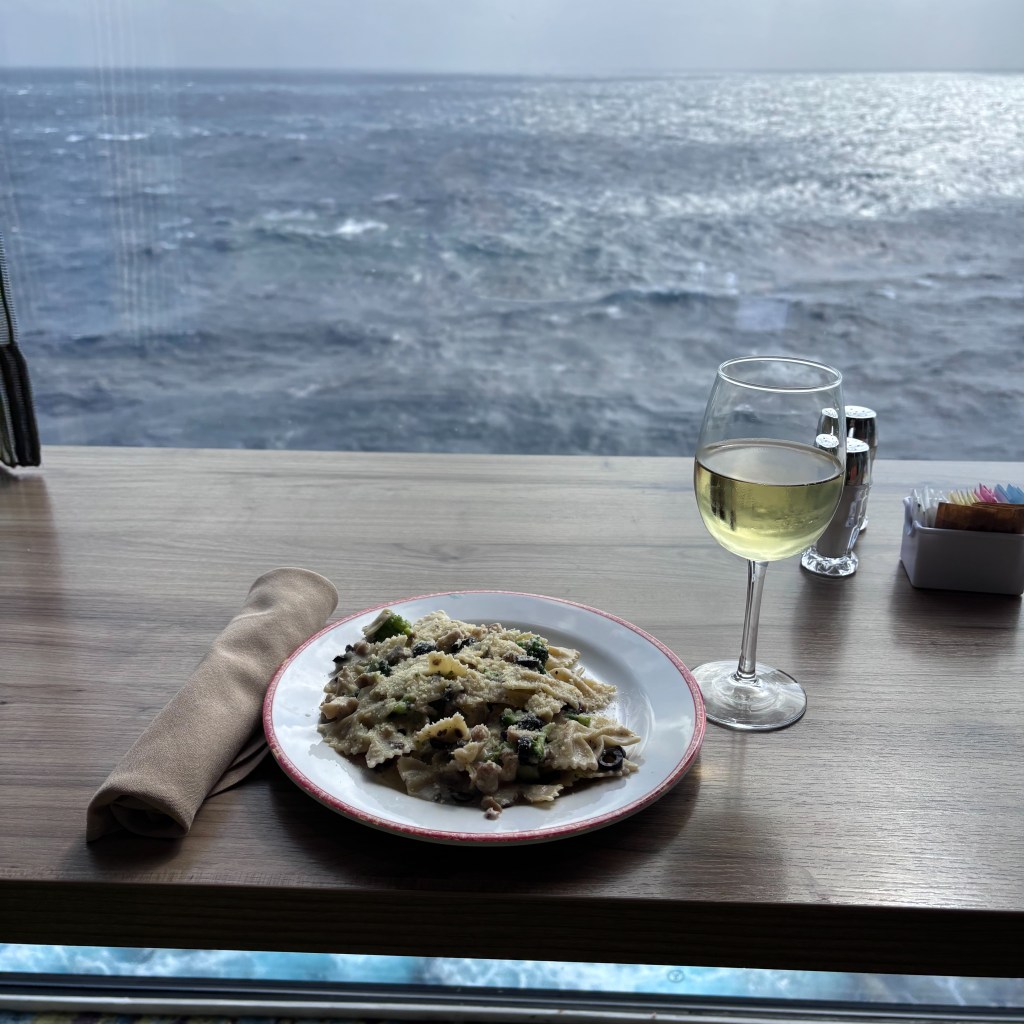
Best place to work with a view – Windjammer
This one might change if your cruise is at full capacity, but when I sailed, we were only about 60% capacity, so there was always room in the Windjammer to get a table with a view. I loaded up with a couple cups of coffee and then got to work writing these blogs (yes, really!) Head toward the back of the Windjammer for your best bet at getting a quiet table. Then you can gaze out at the ocean and feel inspired to do whatever creative work is on the agenda.
Best place to work during breakfast – Solarium Bistro
You might already know that I love working in the Solarium Bistro in the morning. It’s quieter than Windjammer and Two70, with upbeat coffee house music and unlimited coffee refills. There are some quiet tables near the entrance where a few of us would work separately. It was kind of nice to know I wasn’t the only remote worker on board. It’s like there is a secret, unspoken pact amongst us to leave each other the hell alone but also make sure nobody takes your table when you get up for a coffee refill and a pastry break.
Best place for night work – On deck or in the Solarium
Cruises are weird, especially when you change time zones 5 times, and sometimes I end up working into the wee hours of the night. The problem is that I need a break from my cabin, otherwise I won’t fall asleep. So, I like to take my laptop and head up to deck 14 to work, either from the pool deck or, if it is cold, the Solarium. Just know that the Solarium tends to get pretty dark, so only go this route if you are trying to get sleepy.
Best place to work on a port day – Any bar
If you need to work on a port day and are sick of your cabin, the bars are pretty empty, especially in the morning. I settled into a cozy booth at the pub in the mornings a few times before heading offshore around noon. I liked the pub on Odyssey because it was close to the coffee place, and it is a little more closed off than other bars, so people won’t stop and talk to you.
What Wi-Fi to Get
This is the age-old question. Honestly, I have yet to find a good e-SIM that works for me, so I stick with buying the ship’s Wi-Fi. It uses Starlink, and it works great in open water. I get the one-device plan since it is just me using it. I can switch between Wi-Fi on my laptop and my phone really easily, so when I am done working, I just switch the Wi-Fi to my phone, and vice versa. I actually like that I can’t get distracted by my phone apps while I’m working. I find that it makes me more productive.
Buy your Wi-Fi on land before your cruise, if you can. They don’t really offer deals at sea. I learned that the hard way when I took a solo cruise on Quantum of the Seas. I thought I’d be able to use an e-SIM and ended up having to pay full price for Wi-Fi onboard. You do get discounts depending on your rewards status tier.
If you find you need a second device for a day, you have to go to the Voom desk on deck 5 (right next to Two70) to have them set it up for you. I had to do this one day when I discovered just how many freaking things I use for work have multi-factor authentication. If you have multi-factor authentication, think about finding a workaround before you get on board.
Structuring Your Day As A Remote Worker on A TransAtlantic Cruise
My TransAtlantic cruise didn’t allow me to have as structured a workday as I am used to when I cruise out of the West Coast. So, my advice is to go in with a plan, but allow yourself some flexibility. We ended up getting 5 hours ahead of East Coast time. We moved clocks ahead 3 days in a row, heading into the Azores, then one more time, going to Lisbon. We moved ahead one final time, the last Saturday, because that is when Spain does their daylight saving time.
Slowly adjusting to a time change sounds fine in theory, but it was actually super disruptive. I was really surprised by how much moving an hour ahead 3 nights in a row affected my productivity and general ability to function, even if the announcements are made in a really cute way.
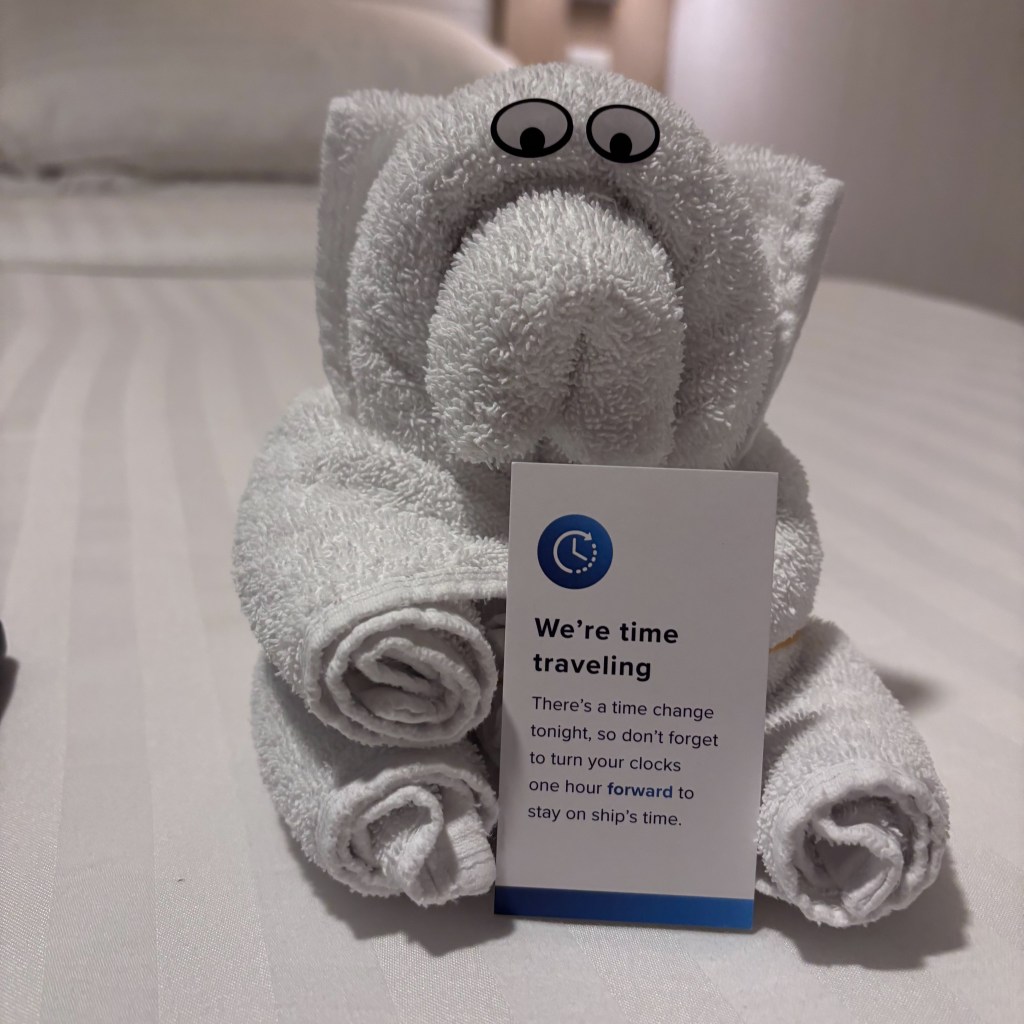
If you need to make calls, I advise not doing them right away in the morning if you can help it. Your normal wake-up time of 7 AM will quickly turn into 11. I like to cluster my calls together and max them out at 3 hours of calls/day that I am working.
At home, I get up and work right away, so on sea days, I planned mornings on the cruise for deep work like normal, took a break for a fun activity like trivia or a game show, and then went back to my cabin for afternoon calls. I kept this type of schedule going for the week after the cruise when I stayed in Barcelona, Spain.
Port days are another story. The Wi-Fi actually worked great on those days, which has not always been my experience. Even so, I counted that week as my vacation. I mostly took off the week we were at ports, aside from doing some small work like checking emails in the afternoon. I did zero calls that week, and it was a really nice mental break.
Give yourself some grace, whatever happens. Your brain is going to be working in overdrive as it adjusts to being at sea, possibly in a new time zone, and in a totally new place. Don’t overdo it, and don’t forget to enjoy the cruise and all the activities it has to offer!
Do you like to remote work from a cruise? I’d love to hear your tips! Or let me know what questions you have. Leave them here in the comments or find me on Instagram @the.seasuite.
Want to see what TransAtlantic cruises are going for? Email me theseasuitelife@gmail.com or browse for yourself using my booking engine! Just search for TransAtlantic in the destinations dropdown.


 The Sea Suite
Leave a comment